Read out loud,
anywhere, offline.
Free & private AI text to speech that reads web pages, PDFs, articles and ebooks aloud. 100% offline TTS, 100% private — nothing you read or type ever leaves your computer. 50+ natural voices across 8 languages.
Available everywhere
 Linux
Linux Need arm64 Linux or .deb packages? See all downloads
Download
Free. Private. Offline.
Speechify Premium
$139/year
Out Loud
Free for personal use
- Free text to speech for personal use — no fees, no sign-up
- Source available on GitHub — read and audit the code
- 50+ natural AI voices in 8 languages
- Desktop TTS app + Chrome read aloud extension
- 100% offline — your data stays on your device

Verify downloads — SHA-256 checksums
Verify on macOS/Linux: shasum -a 256 <file> Windows: CertUtil -hashfile <file> SHA256
Latest release: v2.1.2 · Source available
Hear the difference
50+ AI voices. Judge for yourself.
Not robotic. Not uncanny. Hit play and hear what free text to speech sounds like.
Heart
English (US)Warm & expressive
Bella
English (US)Clear & confident
Emma
English (UK)Refined British
Xiaobei
ChineseNatural Mandarin
Alpha
JapaneseClear & precise
Dora
SpanishWarm Castilian
Sara
ItalianSmooth Italian
Beta
HindiNatural Hindi
Alex
PortugueseBold Brazilian
+ 44 more voices across English, Japanese, Chinese, Spanish, Hindi, Italian & Portuguese
Features
Premium text to speech, no strings attached.
No subscriptions. No tracking. No compromises.
100% Offline Text to Speech
The whole TTS engine runs locally on your machine. No internet required after install, no usage limits, no per-character billing. Your text never leaves your device.
100% Private
No cloud. Nothing you type, paste, or read aloud is stored anywhere except your own computer.
Free Read Aloud App
Free for personal use, with no ads, trackers, or upsells. The source is on GitHub, so anyone can read and verify exactly what it does.
50+ Natural AI Voices
Realistic text-to-speech voices, from warm & conversational to clear & professional. 8 languages including English, Japanese, Chinese, Spanish, and more.
Chrome Read Aloud Extension
Read any webpage out loud with a single click. Articles, PDFs, emails, ebooks — anything in your browser, all local.
Comparison
Why switch from
Speechify?
Save $139 every year. Forever.
How it works
From install to first word in under a minute.
Download
Grab the installer for macOS, Windows, or Linux — or the Chrome extension.
Paste or browse
Paste text into the app, or hit the extension on any webpage, PDF, or article. Everything is processed on your machine.
Listen
Pick a voice, press play, and it reads out loud. Natural speech streams in a couple of hundred milliseconds, fully offline.
FAQ
Questions? Answers.
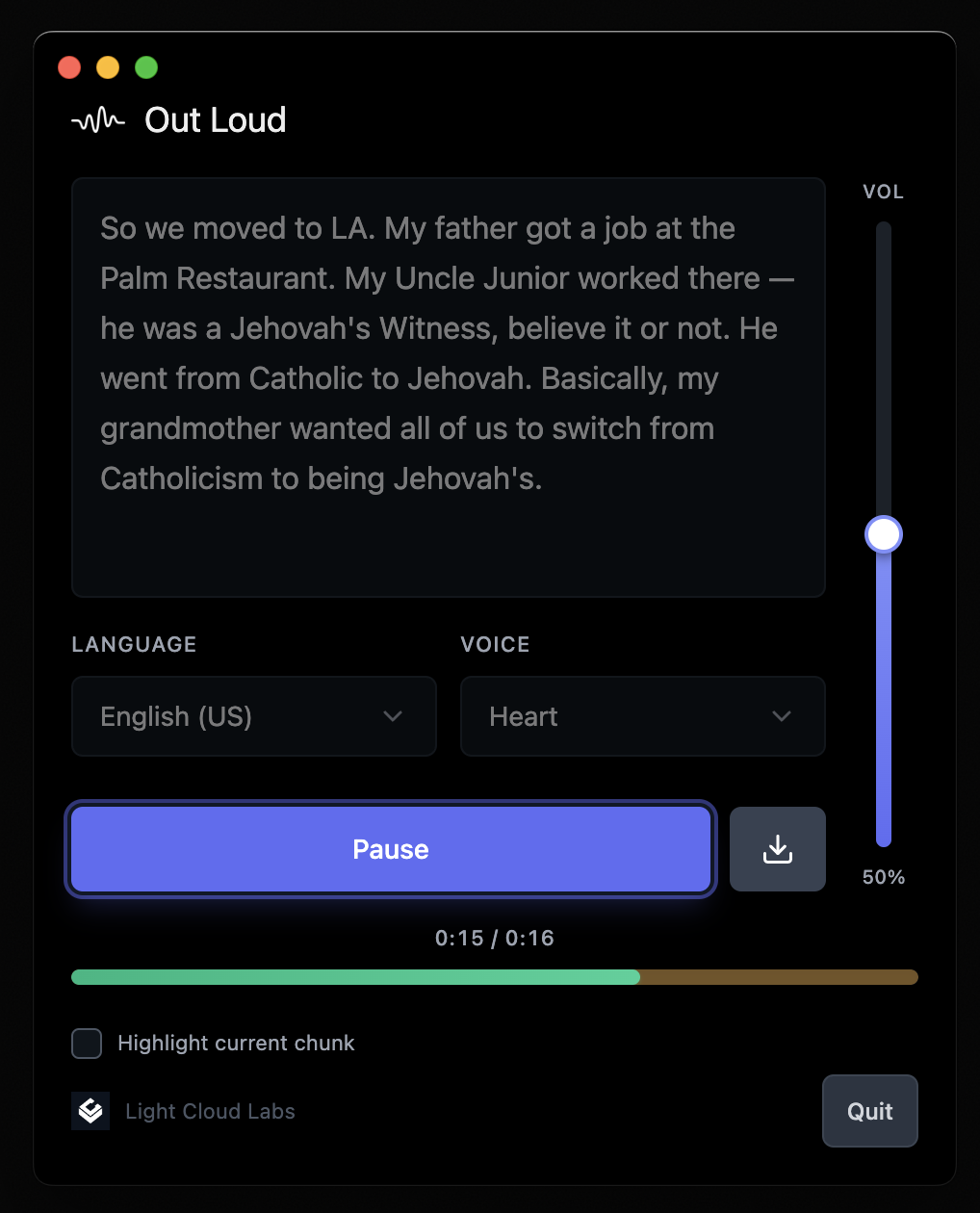
Out Loud is a free text-to-speech (TTS) app that reads text out loud in a natural AI voice. Paste text into the desktop app, or use the Chrome extension to have any web page read aloud to you. Everything runs offline on your own computer.
Yes — free to download and use for personal, non-commercial use. No trial, no paywall, no sign-up. The source code is available on GitHub.
Yes. The Chrome extension reads any web page, article, PDF, email, or ebook open in your browser aloud with one click, and the desktop app speaks any text you paste into it.
There isn’t one. Out Loud runs entirely on your machine, so there are no servers to pay for and nothing to upsell you on. If you like it, star the repo — that’s thanks enough.
Out Loud uses a lightweight AI model that runs entirely on your device. The model is downloaded once during setup (80–320 MB) and then works without internet.
There is no cloud. Nothing you type, paste, or read ever leaves your computer — and because the source is public, you can verify that yourself.
macOS (Apple Silicon & Intel), Windows, and Linux. Plus a Chrome extension for reading webpages.
Our AI voice engine is ranked among the best in independent benchmarks. The voices are natural, expressive, and genuinely pleasant to listen to.
English (US & UK), Japanese, Chinese (Mandarin), Spanish, Hindi, Italian, and Brazilian Portuguese — 50+ voices total.
Many people use Out Loud to listen to study material, proofread their own writing by ear, or reduce screen time. It also has a talker mode for AAC use: type, press Enter, and it speaks instantly — fully keyboard-driven and screen-reader friendly.
Built-in system voices are noticeably robotic. Out Loud uses a modern neural TTS model, so the speech is natural and expressive — closer to a paid cloud service than to a classic screen reader voice — while still running entirely offline.
Absolutely. Issues, pull requests, translations, and new voices are all welcome on GitHub. Out Loud is developed in the open.
Stop renting your voice.
Make it yours.
Free to download. Private by design. Your voice, your machine.